AI-powered tech support
Your tech problem.
AI figured it out.
Describe what's happening. Our AI analyzes the symptoms, finds the likely cause, and recommends what to do next.
Fason AI Diagnostics
Session 8241 · live
- Understanding your problem
- Analyzing symptoms
- Checking possible causes
- Preparing recommendation
Possible issue detected
GPU / System Performance
Recommended next step
Gaming PC Diagnostics
Identify GPU, temperature, driver, and system stability issues.
Estimated time
30–60 min
Estimated cost
20 Credits
Can AI solve it?
AI Guidance
- Software troubleshooting
- Step-by-step assistance
Expert Help
- Hardware inspection
- Professional support
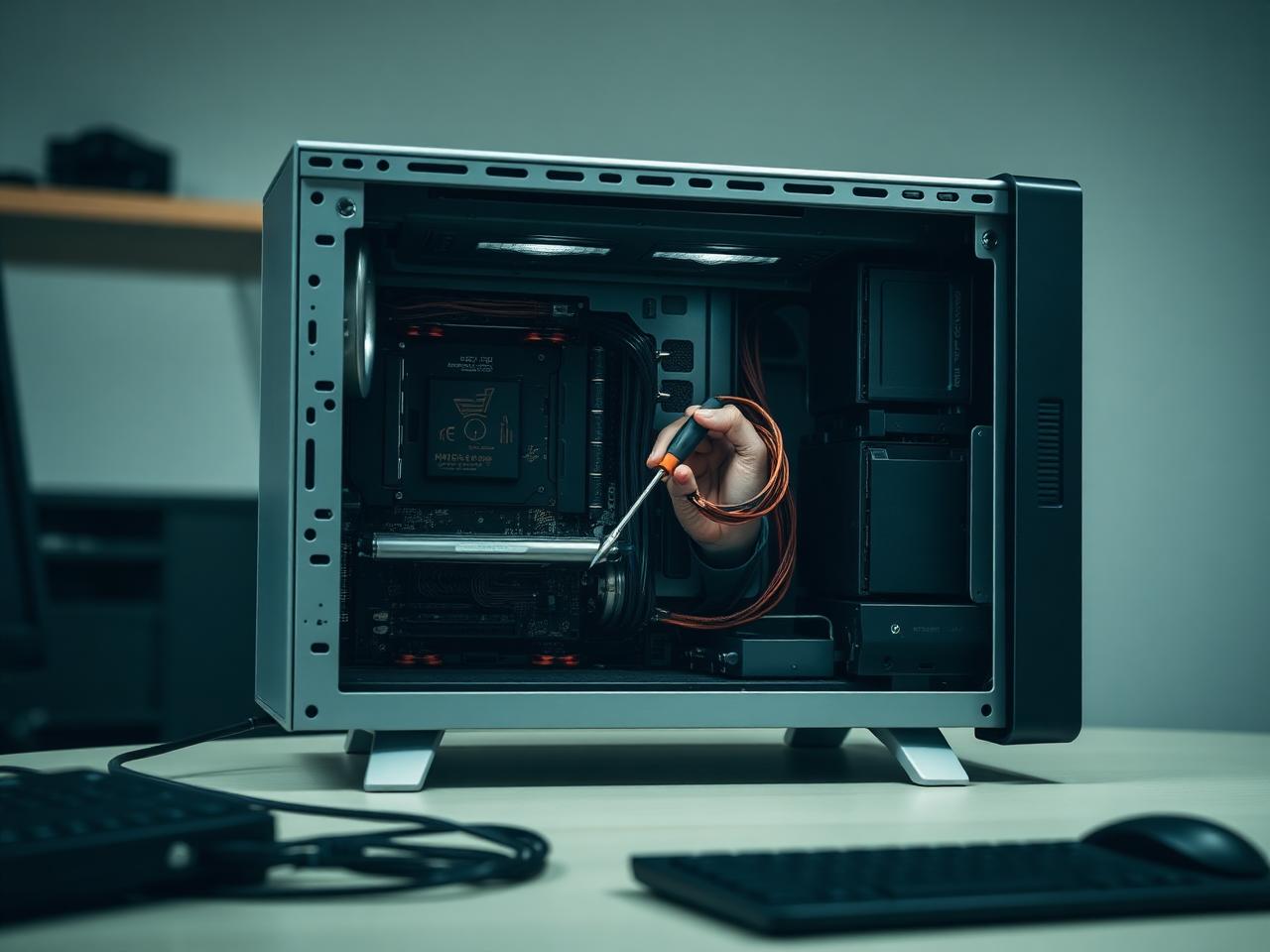

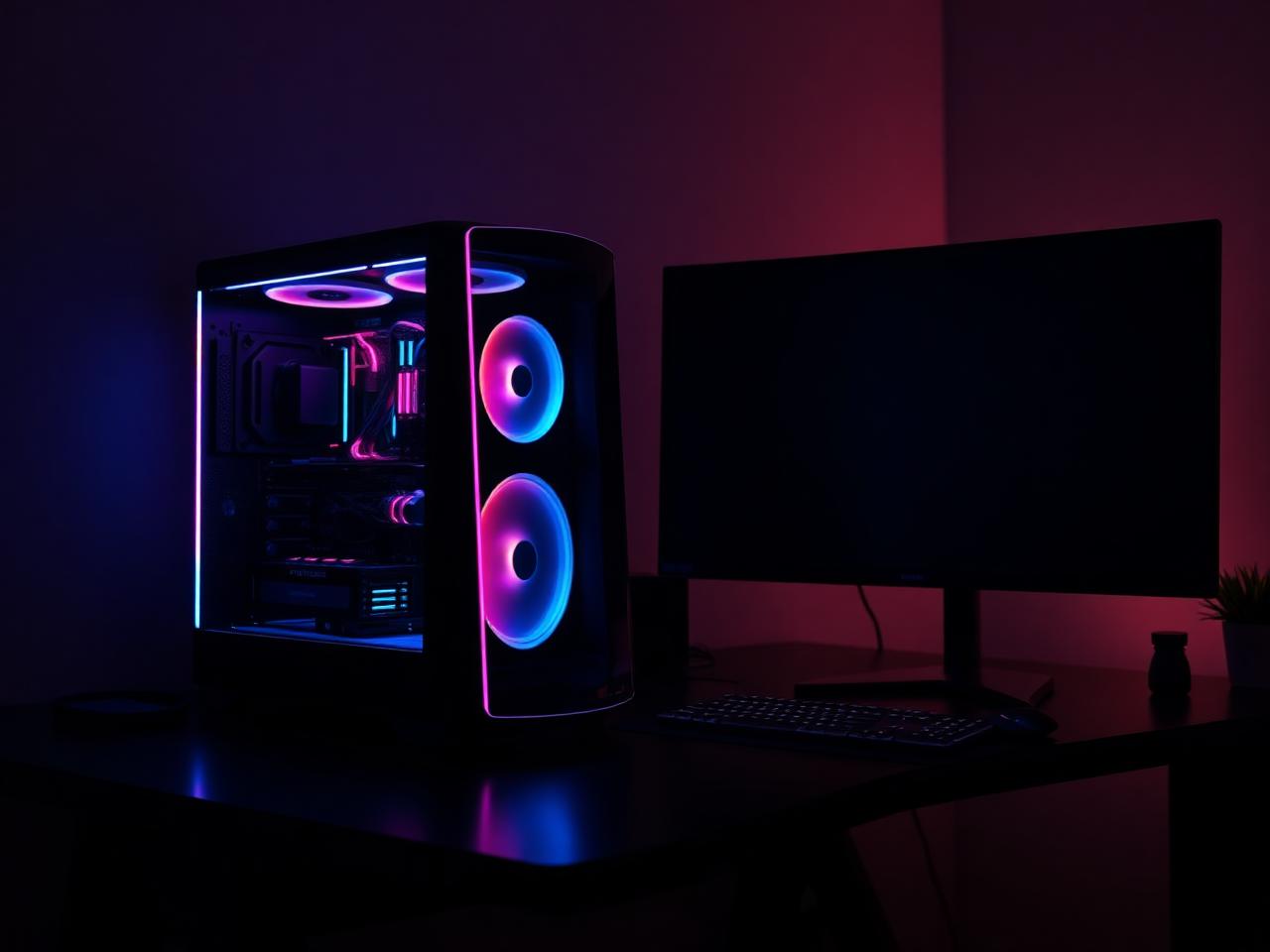
< 15 sec
Average time to first AI response
41%
Of issues resolved without a technician
180+
Vetted technicians across the network
0
Passwords ever requested through the platform
How Fason AI works
From a vague problem to a clear solution.
Four steps between “something is wrong” and “it is handled”. You are never asked to guess which service you need.
- 01
Describe
Tell AI what happened using your own words. No technical vocabulary required — "it makes a clicking noise and then freezes" is a perfectly good start.
- 02
Diagnose
AI asks questions and analyzes the symptoms, ruling out the easy explanations before pointing at the likely cause.
- 03
Recommend
AI recommends the most appropriate solution or service, with an estimated credit range and an honest confidence level.
- 04
Resolve
Fix it with AI guidance or connect with a professional technician who already has the full diagnosis in hand.
Services
Get help with almost anything tech.
AI helps you find the right service without forcing you to understand technical jargon. Start with a description of the symptom — the platform works out the category.
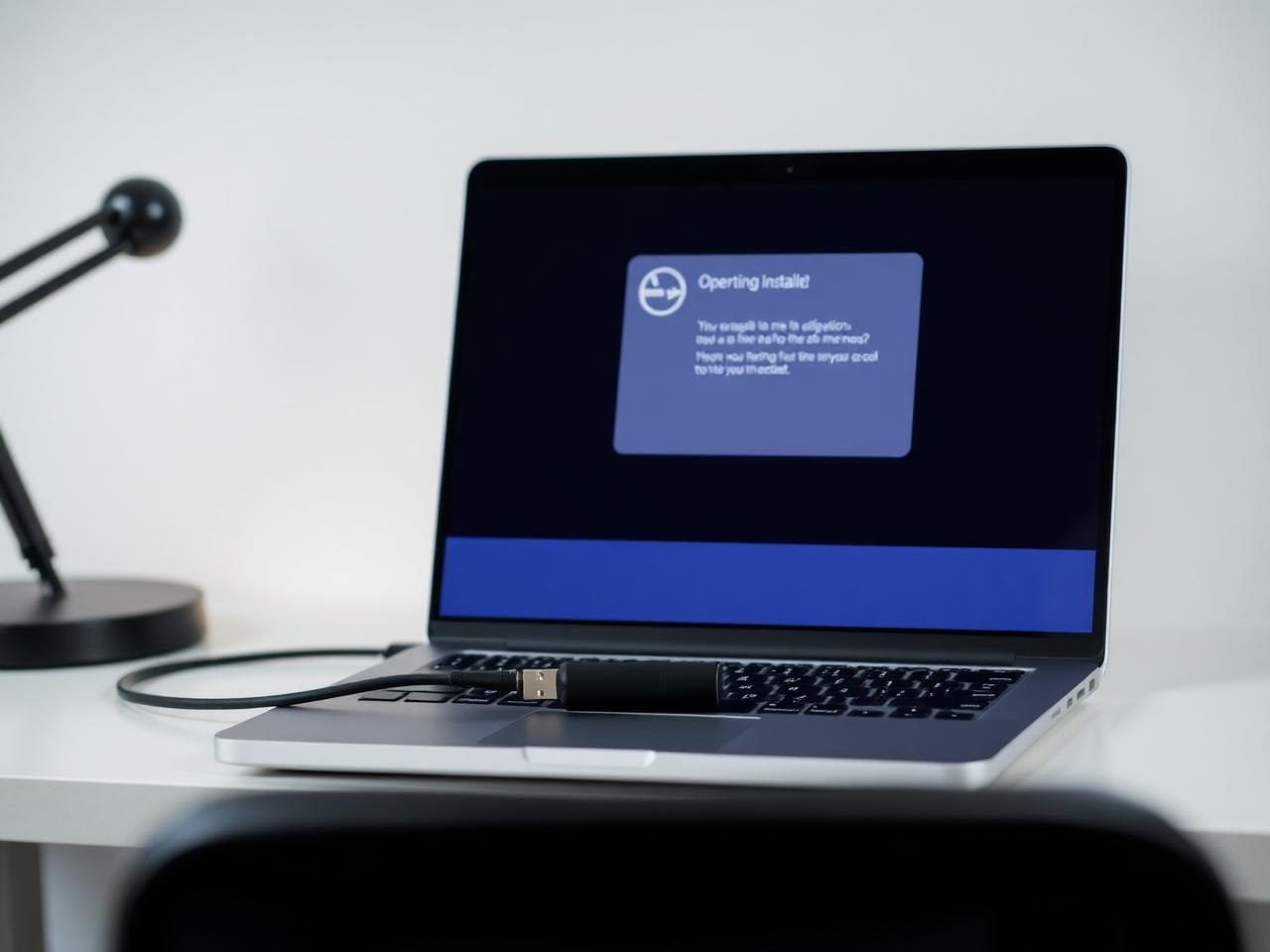

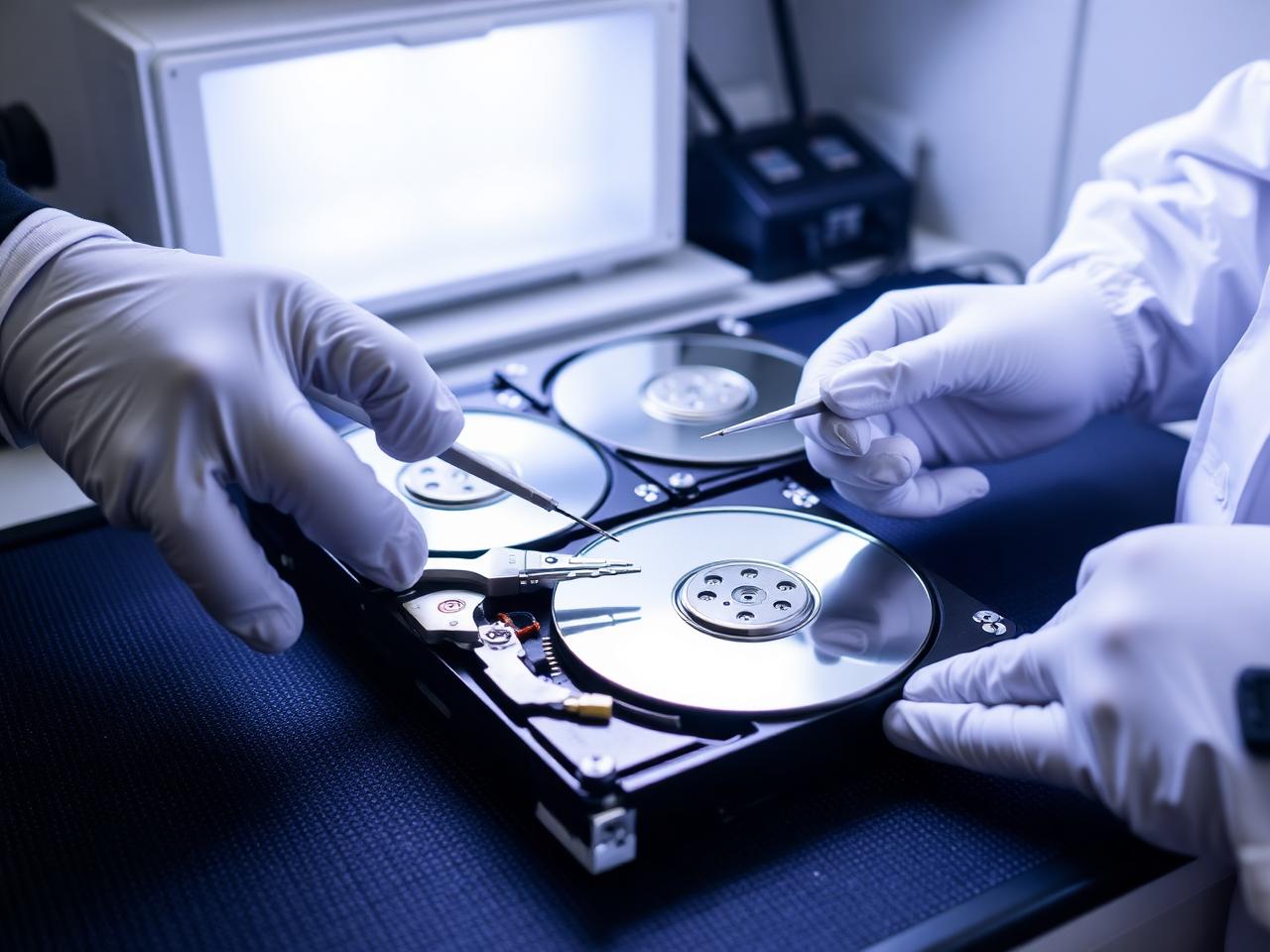

AI Diagnosis
Start with AI.
Know what you're dealing with.
Before booking a technician, let Fason AI ask a few questions and help identify the likely cause. It takes about a minute and costs nothing to start.
What is your computer doing?
Choose the option that sounds closest — you can correct AI at any point.
Credits
Pay with Fason Credits
One balance for everything: AI diagnostics, remote support and professional IT services. No subscriptions, no call-out surprises — you always see the estimated cost before you commit.
Your balance
30Credits
$30
1 Credit = $1. Credits are deducted only when work is carried out.
What Credits are used for
- AI-assisted diagnostics and follow-up questions
- Guided fixes you can carry out yourself
- Remote sessions with a technician
- Hands-on repair, recovery and setup work
Final credit usage depends on the complexity of the issue. AI will provide an estimate before you commit, and unused credits stay in your balance for 12 months.
AI + Experts
AI when you need answers. Humans when you need hands-on help.
The handover is the point of the product. AI removes the guesswork and the waiting; a technician takes over the moment the job needs tools, parts or judgement in the room.
 AI
AIAnswers in seconds, at any hour
- Instant troubleshooting
- Guided diagnostics
- Software assistance
- Service recommendations
- Step-by-step help
Roughly four in ten issues never need a technician at all.
 Expert
A specialist with the diagnosis already written
- Hardware repair
- Physical inspection
- Complex, multi-cause issues
- On-site support
- Advanced troubleshooting
Your technician starts from the AI summary, not from scratch.
For business
AI-powered IT support for small businesses.
Employees can describe their technical problems to AI before escalating issues to human IT support. The obvious things get solved in minutes, and everything else arrives with context — device, symptoms, timeline and what has already been ruled out.
- AI first-line support
- Employee troubleshooting
- Remote support
- Device setup
- Network assistance
- Human escalation
- Support analytics

Customer stories
People who no longer have to explain their problem twice.
A selection of feedback from customers who started with AI and ended up somewhere useful — sometimes with a technician, sometimes without one.
“I described the noise my PC was making and the AI asked three questions before telling me it was probably the power supply fan, not the hard drive. The technician confirmed it in ten minutes. I had been convinced I was losing my files.”
Marta Kowalska
Freelance photographer
Computer Repair · 24 Credits
“It talked me out of a repair. My laptop was slow because the drive was almost full and two sync clients were fighting each other. AI walked me through it and I spent 10 credits instead of booking a service.”
Daniel Ortiz
Accountant
PC Optimization · 10 Credits
“What I liked was the handover. By the time the technician joined the remote session, he already had a summary of everything we had tried. No repeating myself, no starting over.”
Priya Raman
Operations lead, 22-person agency
Remote IT Support · 15 Credits
“Our staff used to send vague tickets like 'laptop broken'. Now they explain it to the AI first and half of it never reaches me. The rest arrives with actual details attached.”
Tom Brenner
IT manager, logistics company
Business plan
“The confidence score matters more than I expected. It said 62% likely a failing SSD and recommended backing up before anything else. That order of operations saved my thesis.”
Ana Ferreira
PhD student
Data Recovery · 45 Credits
“Wi-Fi kept dropping in the back of the house. The AI ruled out the provider in about four minutes with tests I could run myself, then a technician repositioned the access point. Done same day.”
James Whitfield
Homeowner
Wi-Fi & Network · 28 Credits
FAQ
Questions people ask before their first diagnosis.
If something is not covered here, ask the AI directly — it can answer questions about the platform as well as about your device.

Start here
Don't know what's wrong?
Ask AI.
Describe the problem. Get a clear next step. Connect with an expert when you need one.